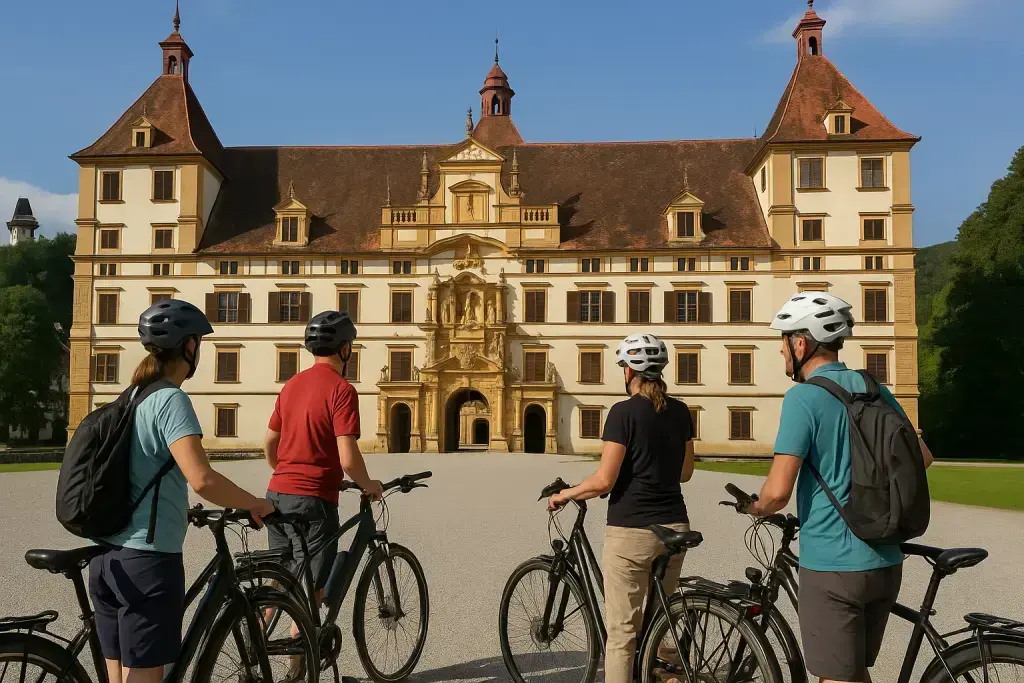


No App, No Guide, No Stress
Starting a BikeGraz sightseeing tour is deliberately simple. Here's everything you need to know.
What You'll Need
- A bike: Your own, or rent from Banana Bikes (Neutorgasse 23, from €29/day).
- A smartphone with GPS: Android or iPhone, browser only – no app needed.
- A phone mount for your handlebars.
- Time: Allow 2–4 hours for the "Top 10 Graz" tour.
Step 1: Open the Tour
Go to bikegraz.at/sightseeing on your phone. Select the tour and tap "Start tour". No registration needed.
Step 2: Enable GPS
The browser will ask for your location. Allow access – GPS is required for navigation.
Step 3: Mount Phone and Ride
Fix your phone to the handlebar mount. The route appears on the map. Read the info at the first stop, then ride.
At Each Stop
When you reach a stop, the info page opens automatically: a short story, interesting details, a tip for continuing. Take as long as you like – the tour doesn't run on a timer.
Questions or Feedback?
We'd love to hear from you. Every piece of feedback helps improve the tours. Start here: bikegraz.at/sightseeing